Jump to a section ▾
01 · Fundamentals
ESC Basics
The ESC is the single most under-tuned part of most RC setups — get it right and everything else on the car clicks into place.
What does an ESC do?
Your electronic speed controller sits between the receiver and the motor. It reads your throttle signal and converts it into precise power delivery — and it does the same job in reverse for braking.
Throttle signal in, precise power out — and the exact same path in reverse the moment you brake.
A cheap or poorly-tuned ESC either dumps power too abruptly (wheelspin, snap oversteer) or holds it back too long (a car that feels dead off the corner). Tuning closes that gap between what your thumb does and what the car actually does.
Why ELCERAM?
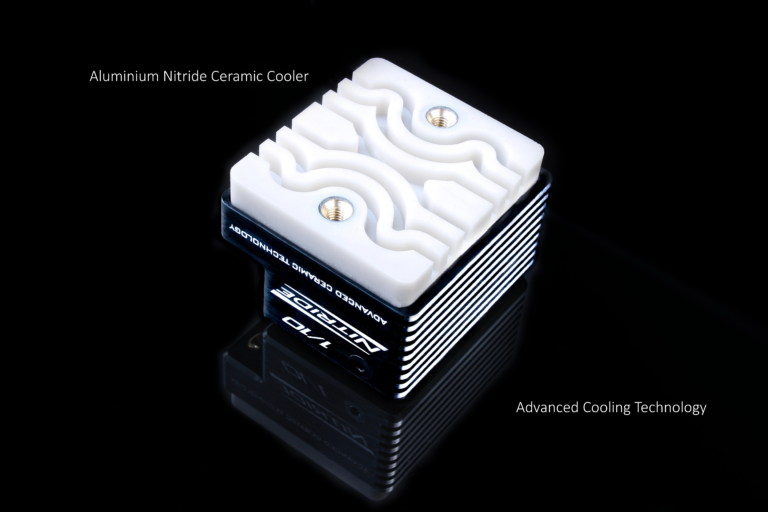
ELCERAM is a Czech manufacturer with over 50 years of experience producing ceramic PCBs and hybrid components for industrial electronics — the ESC line runs that same ceramic cooling technology (Aluminium Nitride or Aluminium Oxide, depending on model) instead of a standard aluminium heatsink. That means more consistent power delivery deep into a long final, not just a fast first lap.
Source: elceram-rc.cz — official product specifications.
Watch: Electronic Speed Controller (ESC) Nitride — ELCERAM
Common beginner mistakes
Most lost lap time isn't a driving problem — it's a default-setting problem. By far the most common issue we see is actually too much power, not too little:
- PWM set too low for the motor/gearing — lower PWM means a punchier, choppier hit that's easy to overdo
- Boost timing left on (or turned up) when the track doesn't need it, adding unwanted aggression mid-range
- Turbo turned up with a fast ramp-up, so full power arrives too abruptly to control
Running the voltage cutoff too low is rarely the actual problem in practice — most damaged packs come from someone forgetting to charge them, not from a bad ESC setting.
02 · The Range
ELCERAM ESC Range
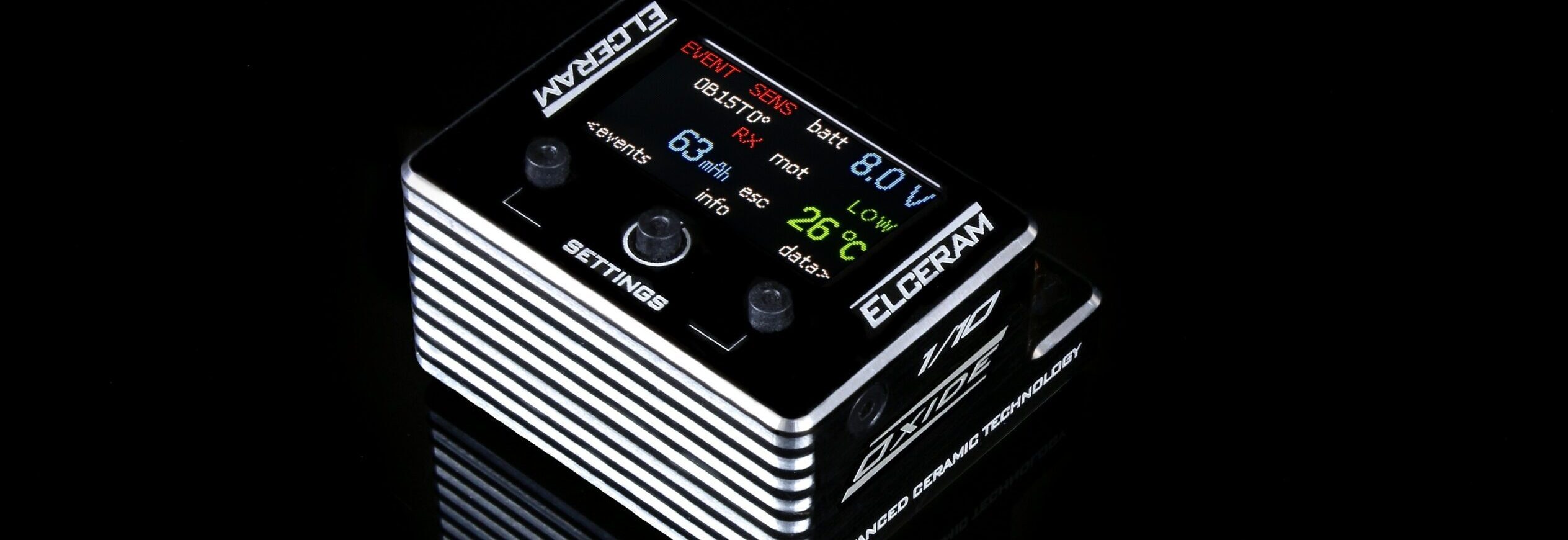
The current ELCERAM lineup — 1/10 and 1/8 electric off-road, Generation 2 hardware. This is the same lineup we run and program at the RCDJ Motorsport trackside store.
1/10 ESCs
Oxide 1/10 G2
- 160 A cont. / 1500 A pulsed
- Aluminium oxide ceramic cooler
- For sensored BLDC motors 6T and up
- 50 g without wires · 36.5×34×20 mm
213,9 €
Interested?Nitride 1/10 G2
- 180 A cont. / 1500 A pulsed
- Aluminium nitride ceramic cooler
- For sensored BLDC motors 4.5T and up
- 59 g without wires · 36.5×34×24 mm
289,9 €
Watch: AMain Hobbies Overview (US)
Interested?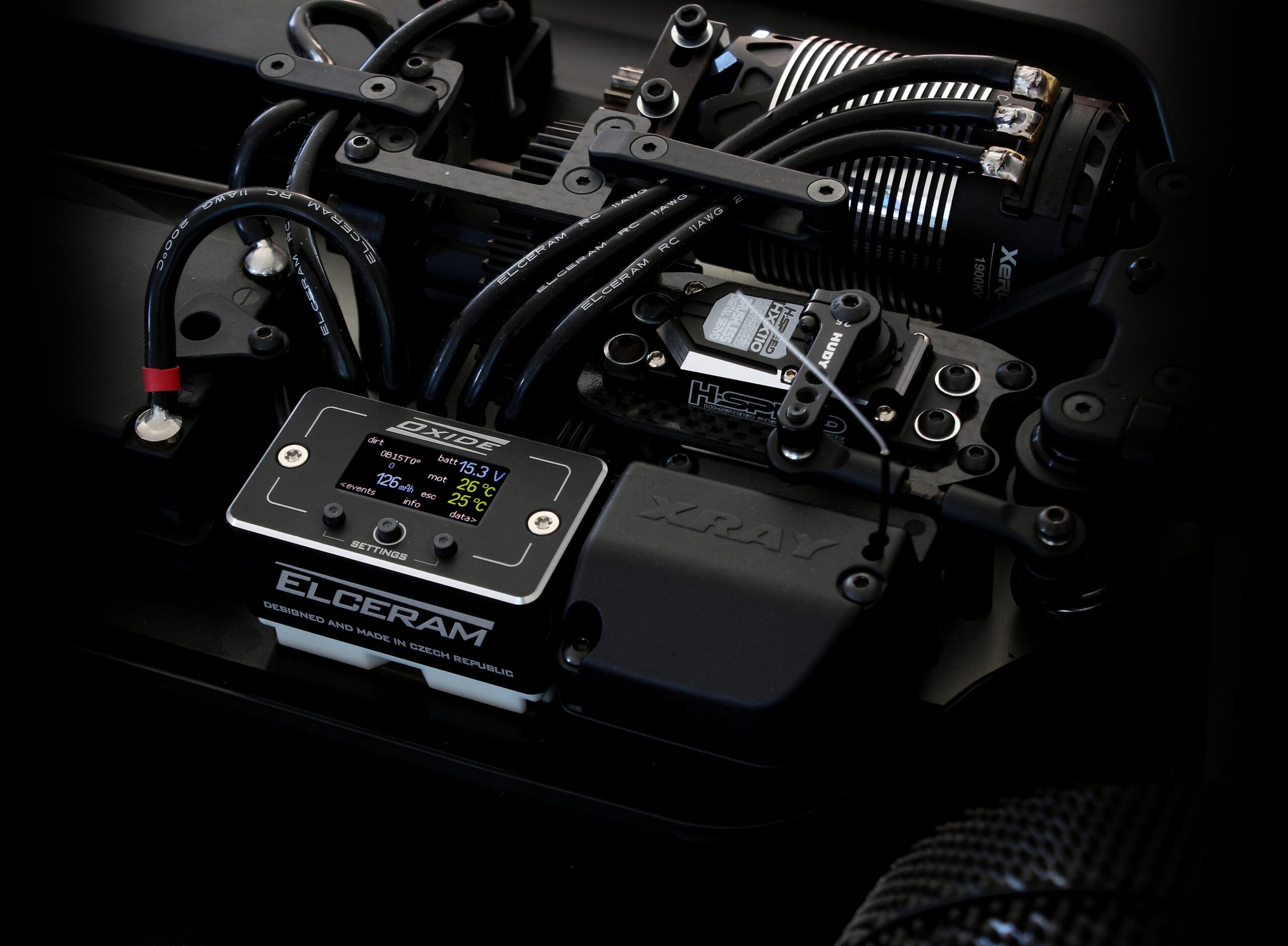
1/8 ESCs
Oxide 1/8
- 200 A cont. / 1500 A pulsed
- Aluminium oxide ceramic cooler
- For sensored BLDC motors up to 2300 kV
- 112 g without wires · 50×40×28 mm
254,9 €
Watch: 2025 IFMAR Ebuggy Worlds — Product Spotlight (The No Name RC Podcast)
Interested?Nitride 1/8
- 220 A cont. / 1500 A pulsed
- Aluminium nitride ceramic cooler
- For sensored BLDC motors up to 2800 kV
- 112 g without wires · 50×43×28 mm
Not yet released
Watch: ELCERAM Nitride 1/8 ESC — Official Intro
Learn MoreSpecs from elceram-rc.cz product pages.
03 · Base Setups
Tuning for Different Surfaces
These four profiles are pulled directly from my own 2026 ELCERAM setup sheets — three 1/10 surfaces (carpet, astro, dirt) and the 1/8 dirt setup I run at RCDJ. Not estimates, but still a starting point — always fine-tune from here for your own car and conditions.
About the little graphs below
The small curves on each card are just a simplified illustration of "how hard the power comes in" — they are not a real ESC setting. ELCERAM ESCs don't have a "power curve" or "throttle curve" you draw; what you actually set is a combination of PWM frequency, expo, response, turbo and boost timing (all explained in full further down this page). The graphs are shorthand for the combined effect of those settings, nothing more.
← swipe the card to browse surfaces →
Oxide 1/10 — XB2 Mod
High grip means the tires can take a sharp hit without breaking loose. Low PWM for a punchy feel, high drag brake to keep the car settled into corners.
- Motor: Exalt 5.5T · Gearing 78/21
- Throttle PWM: 10 kHz
- Brake: 10–100%, drag brake 8%, PWM 2 kHz
- Turbo: 30, delay 0.03s, ramp up 350 /s
- Cutoff: 3.1V / cell (warning 3.2V)
Oxide 1/10 — XB2 Astro
Outdoor synthetic turf sits between carpet and dirt for grip. Slightly higher PWM than carpet, more turbo to make up the mid-range on the lower-grip surface.
- Motor: Exalt 6.5T · Gearing 78/22
- Throttle PWM: 11 kHz
- Brake: 10–100%, drag brake 8%, PWM 3 kHz
- Turbo: 40, delay 0.04s, ramp up 250 /s
- Cutoff: 3.1V / cell (warning 3.2V)
General Dirt Approach
I don't keep a saved 1/10 dirt sheet — loose dirt punishes an aggressive hit, so starting from the Astro sheet above, I'd raise PWM further and pull turbo and drag brake down so the car stays settled on a changing line.
The other lever, before you touch a single ESC setting: gear down to a weaker motor. On the Astro sheet I run a 6.5T — on loose dirt I'd rather drop to a 7.5T or 8.5T and keep the ESC settings closer to the carpet sheet, than fight a hot motor with a heavily softened setup. If swapping motors isn't an option, the ESC's Motor Power preset (see Settings Reference below) can fake roughly the same effect — try +1T or +2T on the preset to soften delivery without touching PWM, turbo or drag brake individually.
- Not a saved sheet — general adjustment only
- Motor: 7.5T–8.5T (down from 6.5T on Astro)
- Or: Motor Power preset +1T to +2T
- Throttle PWM: higher than Astro (smoother)
- Drag brake & turbo: lower than Astro
- Cutoff: 3.1–3.2V / cell for margin
Oxide 1/8 — RCDJ Dirt
My actual 1/8 dirt sheet from RCDJ. The big motor and heavy rotating mass on an 1/8 buggy need a low PWM to stay punchy and direct on loose dirt, and drag brake is off entirely so the car doesn't fight itself under trailing throttle.
- Motor: Exalt 2050kV · Gearing 46/14
- Throttle PWM: 9.0 kHz
- Brake: 8–90%, drag brake 0%, PWM 4.5 kHz
- Turbo: 10, delay 0.05s, ramp up 200 /s
- Cutoff: 3.0V / cell (warning 3.1V)
Source: Max Götzl's own ELCERAM setup sheets, 2026, based on the official setup-sheet template from elceram-rc.cz.
04 · Settings Reference
ELCERAM Settings Reference
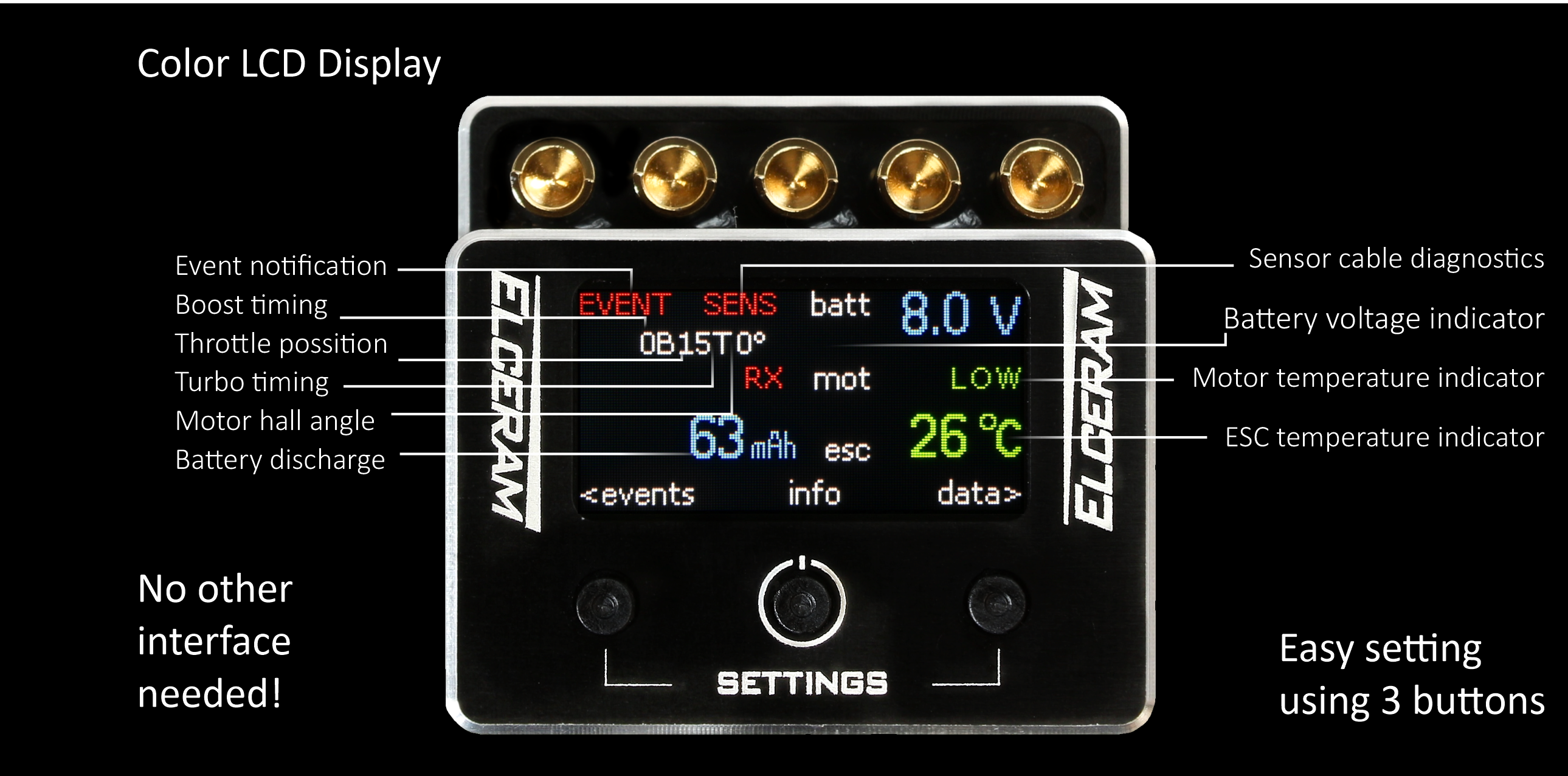
There's no separate app or programming card — every ELCERAM ESC is set directly on its own TFT colour display using the three buttons built into the case (SETTINGS, and two more for navigating). Below is every parameter group, with the real adjustable range and factory default from the official setup-sheet template, one per row.
Throttle
Three settings that together shape how power builds off idle.
PWM
0.5–45 kHz (default 8.0)Switching frequency for the throttle signal. Lower values feel punchier and rougher (more torque ripple); higher values feel smoother and more linear. Most racers run somewhere between 2–12 kHz depending on class and motor.
Expo
-64 to +64 (default 0)Reshapes the curve around center stick — positive values soften the initial hit near neutral, negative values sharpen it. Doesn't change full-throttle power, just how it builds up.
Response
-15 to +10 (default 0)Controls how quickly the ESC reacts to a throttle input change — higher values react faster and feel twitchier, lower values smooth out small hand movements.
Brake
Set independently from throttle — min/max strength, plus the passive drag effect.
Min
0–99% (default 10)The weakest brake force available at the lightest brake input — a floor so brake never feels completely dead at a light touch.
Max
1–200% (default 100)The strongest brake force at full trigger pull. Values above 100% only matter on certain motor/ESC combinations that can physically deliver more stopping power.
Drag Brake
0–100% (default 0)Passive engine-braking applied the instant you lift off throttle, before you touch the brake. Higher values settle the car into corner entry, but too much can make it feel like the car "hangs up" mid-straight.
Brake PWM
1.0–16.0 kHz (default 2.0)Switching frequency for the brake signal, separate from throttle PWM — same idea: lower feels sharper, higher feels smoother.
Turbo Timing
The single setting most likely to make a car feel "too powerful" if pushed too high.
Turbo
0–63 (default 25)Extra motor timing added once you're above the turbo RPM threshold — the main lever for top-end punch.
Delay
0.00–1.00s (default 0.05)How long you have to hold full throttle before turbo timing kicks in.
Ramp Up / Down
10–1000/s or instantHow quickly turbo timing fades in and back out — instant feels like a hard on/off switch, slower values blend it in more progressively.
Boost Timing
Separate from turbo, for shaping mid-range pull. Off by default — most racers never need it.
RPM Breakpoints
1k–50kUp to three RPM points where extra timing kicks in, independent of turbo.
Boost 1 & 2
0–63 (default 0)The amount of extra timing added at each breakpoint.
Hall Angle
Fine-tunes motor commutation timing at speed — advanced, rarely needed outside high-RPM modified classes.
RPM Range
5k–49k start, 6k–50k endThe RPM window over which the hall angle adjustment is applied.
Hall Angle
0–20 (default 0)Shifts commutation timing relative to the hall sensors at high RPM, to claw back a little efficiency or power on highly-modified setups.
Motor Power Curve
Advanced tuning most racers never touch.
Preset
+4T to 0.5T equivalent (default off)A quick way to soften or sharpen overall power delivery to roughly match a different motor turn count, without touching individual settings.
Expert Mode
-99 to 0 per RPM pointFull manual power shaping at 10 RPM points from 0 to 80k.
Voltage Protection
Warns, then cuts power, to protect your LiPo from over-discharge during a long final.
Warning
3.1–4.1V (default 3.5)Per-cell voltage where the ESC starts warning you the pack is getting low — power isn't cut yet.
Cutoff
3.0–4.0V (default 3.4)Per-cell voltage where the ESC actually cuts power to protect the LiPo from over-discharge.
BEC
Powers your receiver, servo and any other electronics off the ESC — no separate BEC or UBEC needed.
Output Voltage
6.00–7.40V (default 6.00)Sets the regulated voltage sent to the receiver bus. Higher voltage means a faster servo, but check your servo's rated voltage before pushing this up.
Temperature Protection
Independent limits — the ESC derates or cuts power before either overheats.
Motor Limit
70–150°C or off (default 100)Temperature at which the ESC starts derating power to protect the motor.
ESC Limit
70–150°C (default 125)Temperature at which the ESC itself starts derating or cutting power to protect its own electronics.
Brake Softening
Its own screen, separate from the main Brake settings — softens how brake force builds at speed.
Preset
OFF, S1–S5 (default off)Softens full brake force at higher speeds for a more controlled, less snappy stop. Higher presets soften more.
Drift Mode
A separate screen and a separate driving mode — not just a brake tweak.
Max RPM
10.0k–100.0k (default 40.0k)Caps motor RPM specifically while Drift Mode is active, independent of any other RPM-based setting.
RPM Drop
0.0k–10.0k (default 4.0k)How far RPM is allowed to fall during a slide before the ESC starts bringing power back in.
Power Ramp Up
Softest to instant (default balanced)How aggressively power reapplies once RPM recovers — softer settings are easier to catch, instant gives the sharpest response.
Full parameter lists, firmware and Czech-language manuals are on ELCERAM's own site — Download official ELCERAM manuals
05 · Fixes
Common Problems & Fixes
Click a question to expand the answer.
Before you touch a single setting, check your soldering. This causes more "broken ESC" support requests than anything else, and it's the first thing to rule out on any new build or after any rewiring.
Motor phase wires need to land on the same letter at both ends — A to A, B to B, C to C. Swap any two and the motor still spins, just in the wrong direction or roughly, which gets misread as a bad ESC or bad motor. Battery polarity matters just as much: positive to positive, negative to negative, every time, checked before every single connection, not just the first.
Also check every joint is fully soldered — a dry joint or a wire that's barely tacked on can work fine on the bench and then fail the moment it heats up or vibrates on track.
Still stuck? Book a service session →
Sudden cutout under load is usually one of three things: low-voltage cutoff triggering earlier than expected, an over-temperature protection trip, or a loose motor/battery connector arcing under current.
Start by checking pack voltage right after the cutout, then check ESC temperature on the display. If both are normal, reseat every connector.
Still stuck? Book a service session →
Look for inconsistent behavior that doesn't change when you adjust settings: random cutouts on a fresh pack, one direction working but not the other, or the display not powering on or freezing.
A quick test: swap in a known-good motor and battery. If the problem follows the ESC, it's the ESC.
Still stuck? Book a service session →
Three things to check, in order. First, the heatsink itself — make sure it's actually mounted and making full contact, not just resting loose. Second, how it's mounted: use proper double-sided thermal tape (not generic foam tape), and make sure the ceramic cooler surface is clean and flat against the chassis or fan mount before you stick it down.
If both of those are correct and it's still running hot, the settings are too aggressive for your motor and gearing — pull turbo and boost timing back, and check you're not running a PWM that's too low for the load. Overheating is almost always a power problem before it's an airflow problem.
Still stuck? Book a service session →
Rough, jerky or hesitant motor response is most often a sensor cable problem — a loose, pinched or damaged connector between the motor and ESC. Reseat it first, and inspect the cable for any visible damage from vibration or a previous crash.
ELCERAM ESCs run a pre-race self-diagnostic that checks the sensor cable along with motor temperature and battery — if it flags a sensor error before you even pull the trigger, that confirms it. If you suspect the receiver connection itself, it's worth re-running RX calibration too.
Watch: Elceram ESC RX Calibration
Still stuck? Book a service session →
Yes — the TFT display is a replaceable part, not a reason to write off the whole ESC. Cracked screens usually come from a hard impact or getting stepped on in the pits, rather than a fault with the unit itself.
Get in touch and we can help source a replacement display or point you to an ELCERAM distributor who stocks the part.
Still stuck? Book a service session →
Check pack voltage first — a partially worn LiPo delivers noticeably less punch than a fresh one, even with identical ESC settings. Temperature also changes FET behavior; a cold pit tent morning feels different from a hot afternoon final.
If neither explains it, check the display's event log — a firmware update or an accidental button press can reset a profile back to default without you noticing.
Still stuck? Book a service session →
06 · Interactive Tool
Get a Recommended Setup
This outputs five real ELCERAM parameters — throttle PWM, brake PWM, drag brake, turbo and voltage cutoff — starting from factory defaults and adjusted for your car, class, surface and preferred feel. It's a starting point calibrated against the real setup sheets above, not a finished setup: your specific motor, gearing and track will still need fine-tuning on the day.
Before you trust this
This is just a simple guess at some basics for your setup, not a correct recommendation — the actual best settings for you can vary a lot depending on your car, motor, track and personal driving style. Use it as a starting point, not a finished answer.
Recommended Starting Setup
Not confident programming it yourself?
Book a SessionRacing Team
The ELCERAM Racing Team
The setup sheets and settings on this page come from ELCERAM's own factory racing team — real drivers, running real hardware, at real events.
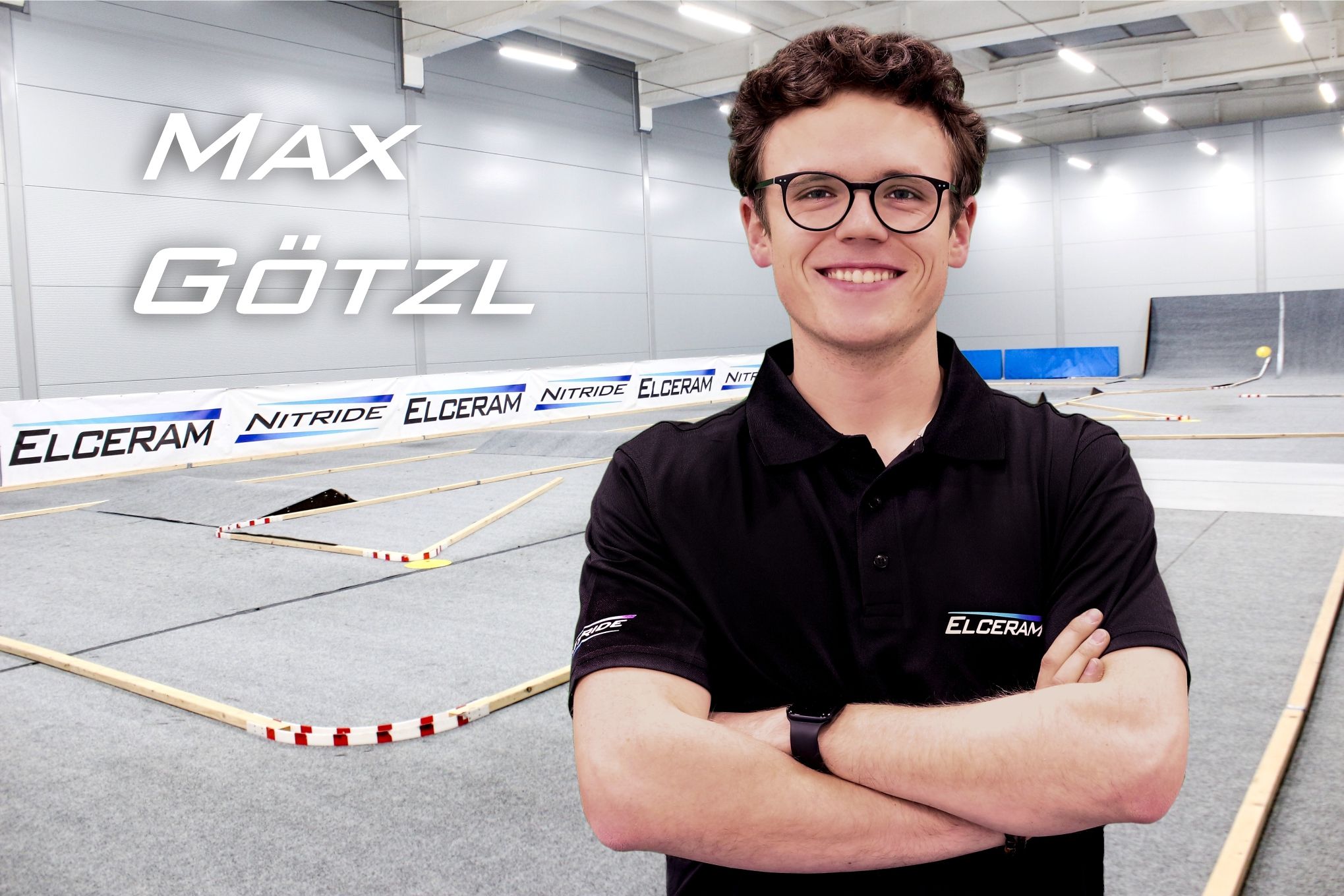
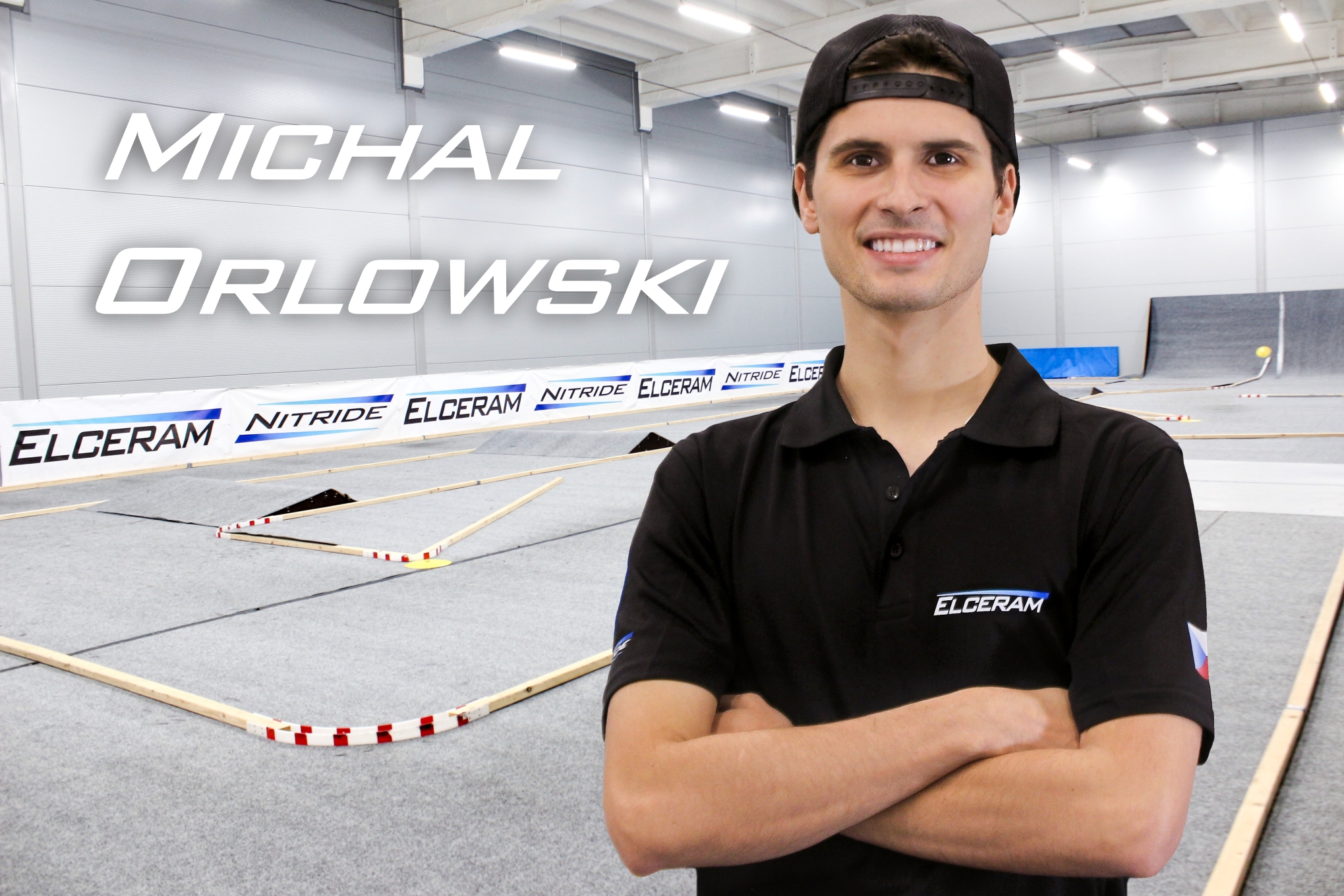
Max Götzl
ELCERAM Factory Driver, Czech Republic
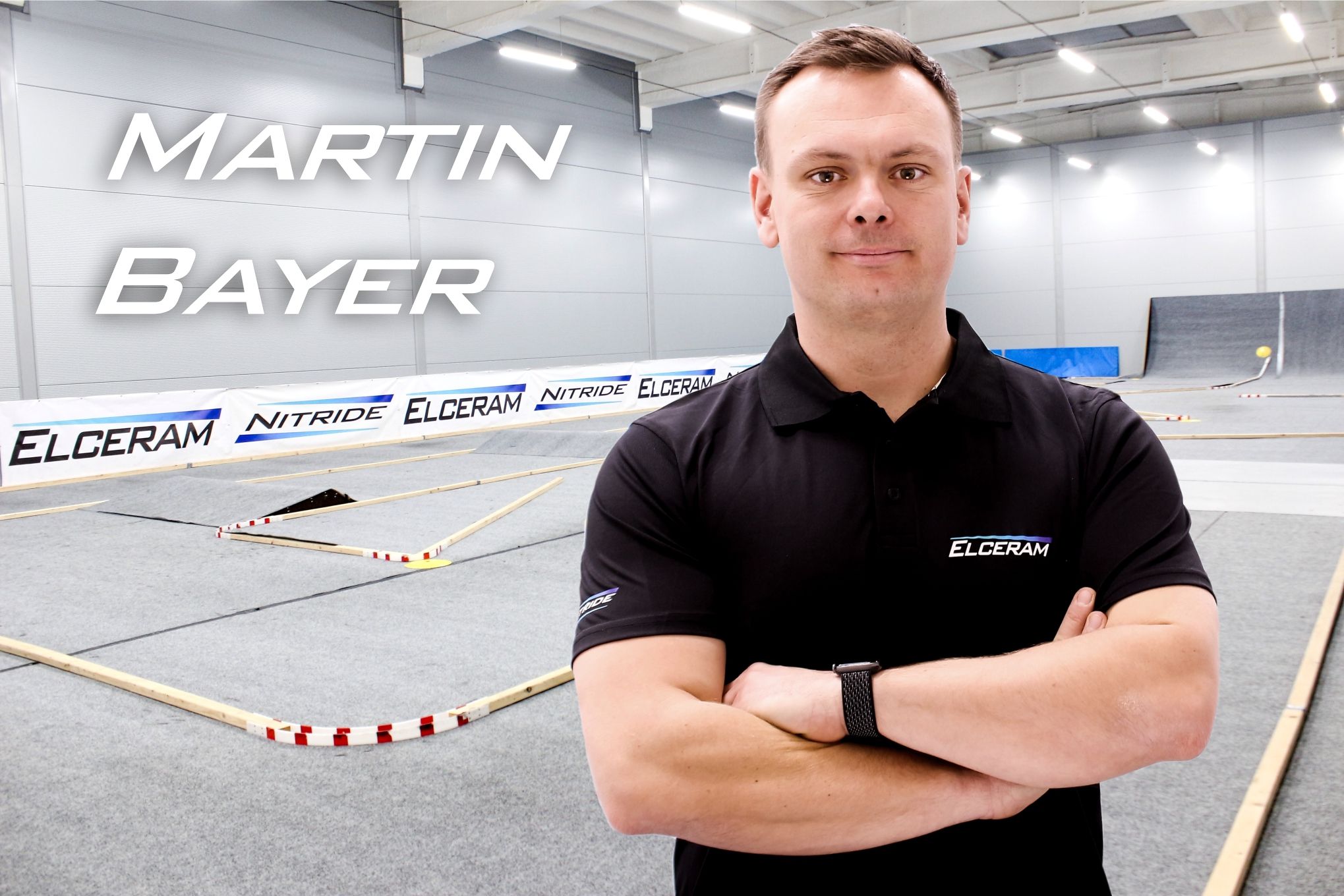
Martin Bayer
ELCERAM Factory Driver, Czech Republic
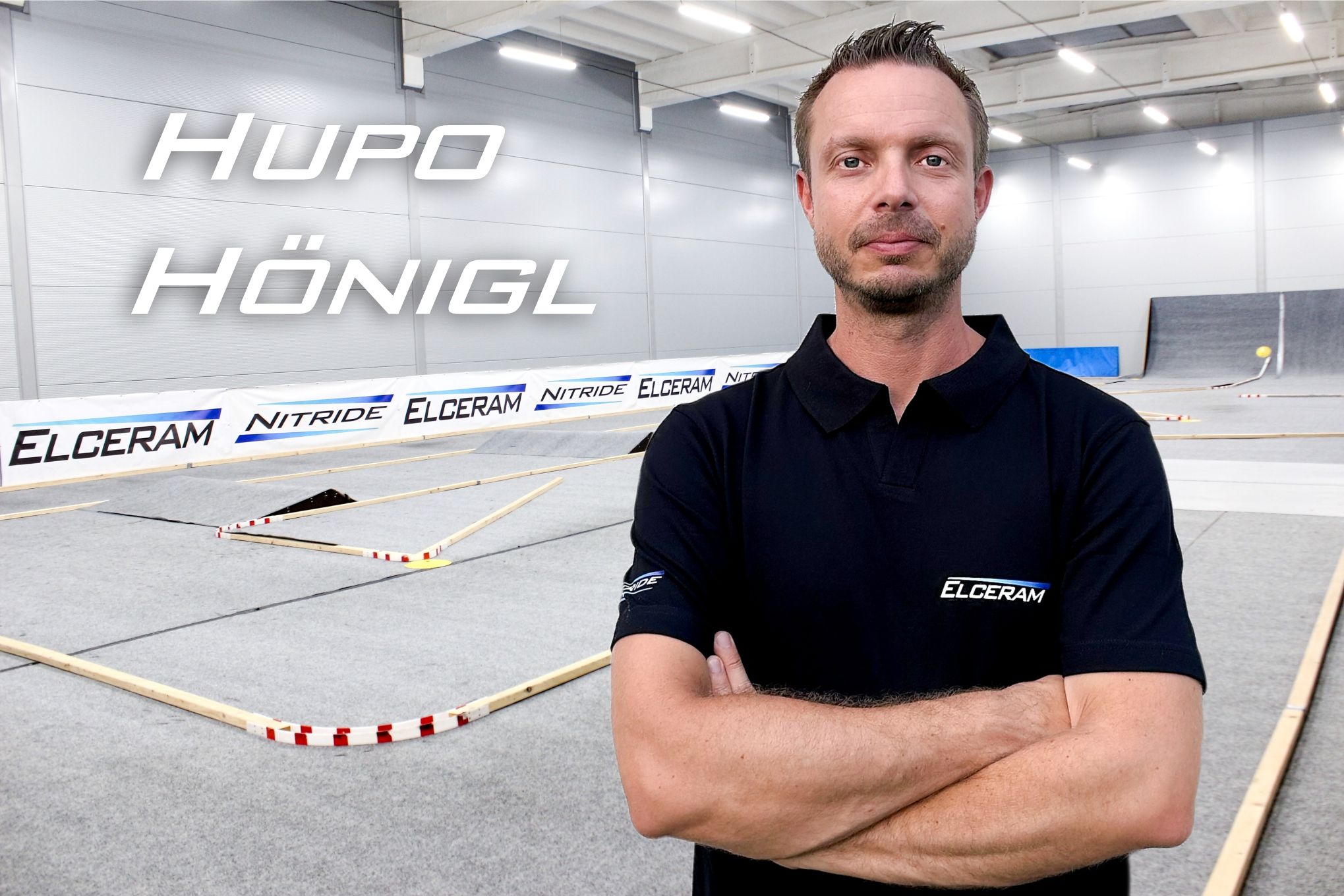
Hupo Hönigl
ELCERAM Factory Driver, Austria
Plus the rest of the ELCERAM Racing Team — see the full roster at elceram-rc.cz/racing-team.
07 · Trackside Service
Don't Want to Tune It Yourself?
Book a professional ESC programming session at the RCDJ Motorsport trackside store — Max will set your ELCERAM ESC up in person, based on your car, surface and class, before you hit the track.